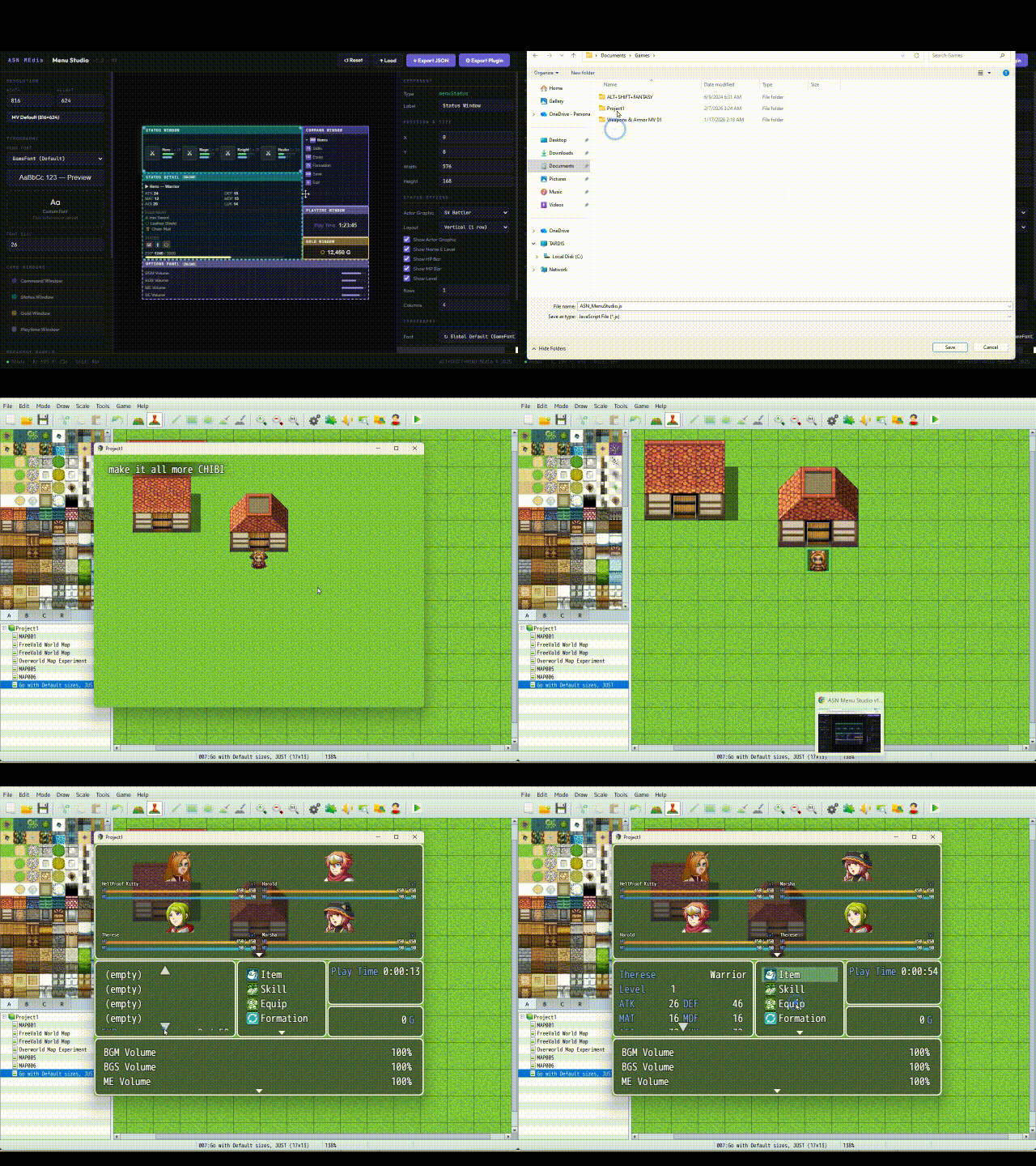
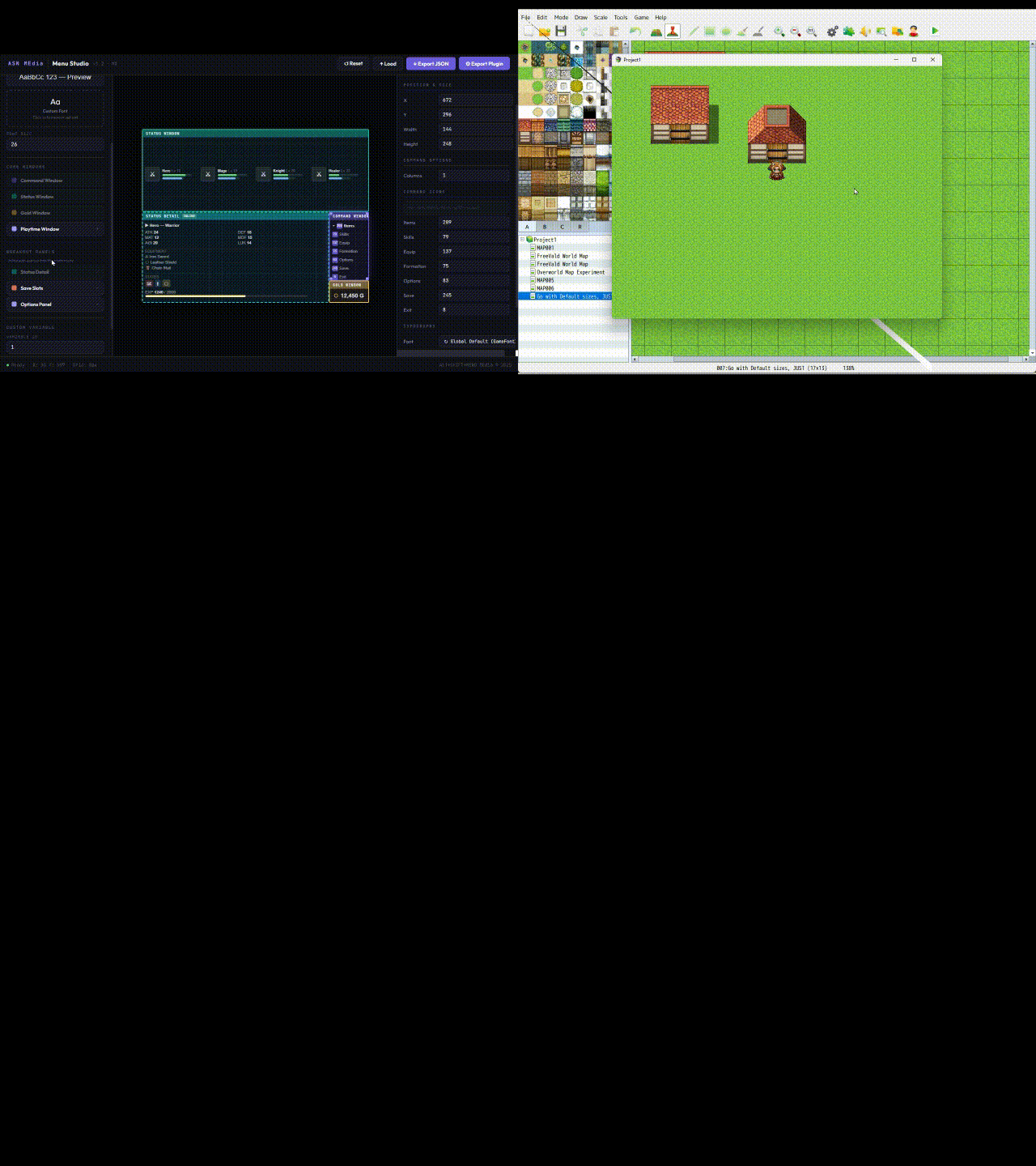
Menu Studio: Visual Menu Layout Editor for RPG Maker MV
A downloadable tool
Create Live Custom Menus in Real time, for RPG Maker MV.
WYSIWYG!
Tired of generic menu plugins that scream "I downloaded this"?
Exhausted by guessing X & Y coordinates, test-playing, realizing you're off by 20 pixels, going back to plugin parameters, adjusting, test-playing again...and again...and again?
Yeah. We were too.
With ASN's Menu Studio, you don't use someone else's menu system...
You BUILD your own! Design it visually, export a professional plugin with YOUR name on it, and show the world the menu YOU designed.
Now, literally in MINUTES, you can have professional grade custom menus while everyone else is spending hours calculating X & Y pixel coordinates...
ASN's Menu Studio is a standalone browser-based editor where YOU design the menu. Open it in your browser (online or offline), drag your windows into place, see your layout in real time, configure every detail with point-and-click controls, and export a ready-to-use plugin file directly into your game project's plugins. No coordinates. No Common Events. No guesswork. No JavaScript.
New to RPG Maker game development?
You can use this too! In fact, even the newest game dev using RPG Maker MV can create awesome menus in minutes, looking like you've been developing games as long as the pros! Plus, this can be a vital tool for easing into using RPG Maker MV!
ANYONE of any game dev experience or level of game mechanics can use this robust visual menu system!
FEATURES:
- Drag-and-drop visual editor that runs in your browser online or offline; no installation needed.
- Real-time preview as you design!
- Reposition and resize the Command, Status, and Gold windows freely.
- Assign icons to each menu command for a polished, professional look.
- Choose between Face portraits, Map Sprites, or SV Battlers for party members.
- Add a live Playtime display with custom formatting, labels, colors, and icons.
- Break-out Status, Save, and Options windows as inline panels; no scene switching.
- Display any game variable on the menu screen (quest counters, reputation, kill counts...anything).
- Full typography control: built-in fonts, system fonts, or upload your own custom font.
- Custom fonts are embedded directly in the plugin. Players don't need to install anything.
- Per-window font overrides for mixed styling across different windows.
- Full gamepad support with shoulder button panel cycling.
- Export a single .js plugin file. Drop it in and go!
- Save and load layouts as JSON for easy iteration and designing while taking breaks, coming back to the project days or weeks later to pick up right where you left off!
How It Works:
- Open Menu Studio in your browser.
- Set your game's resolution.
- Drag, resize, and configure your layout.
- Click Export Plugin.
- Drop the file into js/plugins/ and you're done...easy, fast, convenient and HIGHLY professional.
What's Included:
- ASN_MenuStudio_MV.html (MV visual editor).
- The Custom Menu Plugin that YOU create, for use in RPG Maker MV.
- Tutorial & User Guide, which is an 18 page tutorial explaining every feature, how to use them, examples and suggestions, etc. This isn't simply a two page introduction and "thank you for buying" .pdf file! The guide is a useful aid that you won't even need since ASN's Menu Studio is so intuitive and easy to understand and use out of the box!
- All the Custom Menu designs you can imagine and arrange!
ASN's Menu Studio for RPG Maker MZ will be available shortly.
For now, RPG Maker MV devs are gettin' the looove! TeeHee
Purchase
In order to download this tool you must purchase it at or above the minimum price of $10.99 USD. You will get access to the following files: